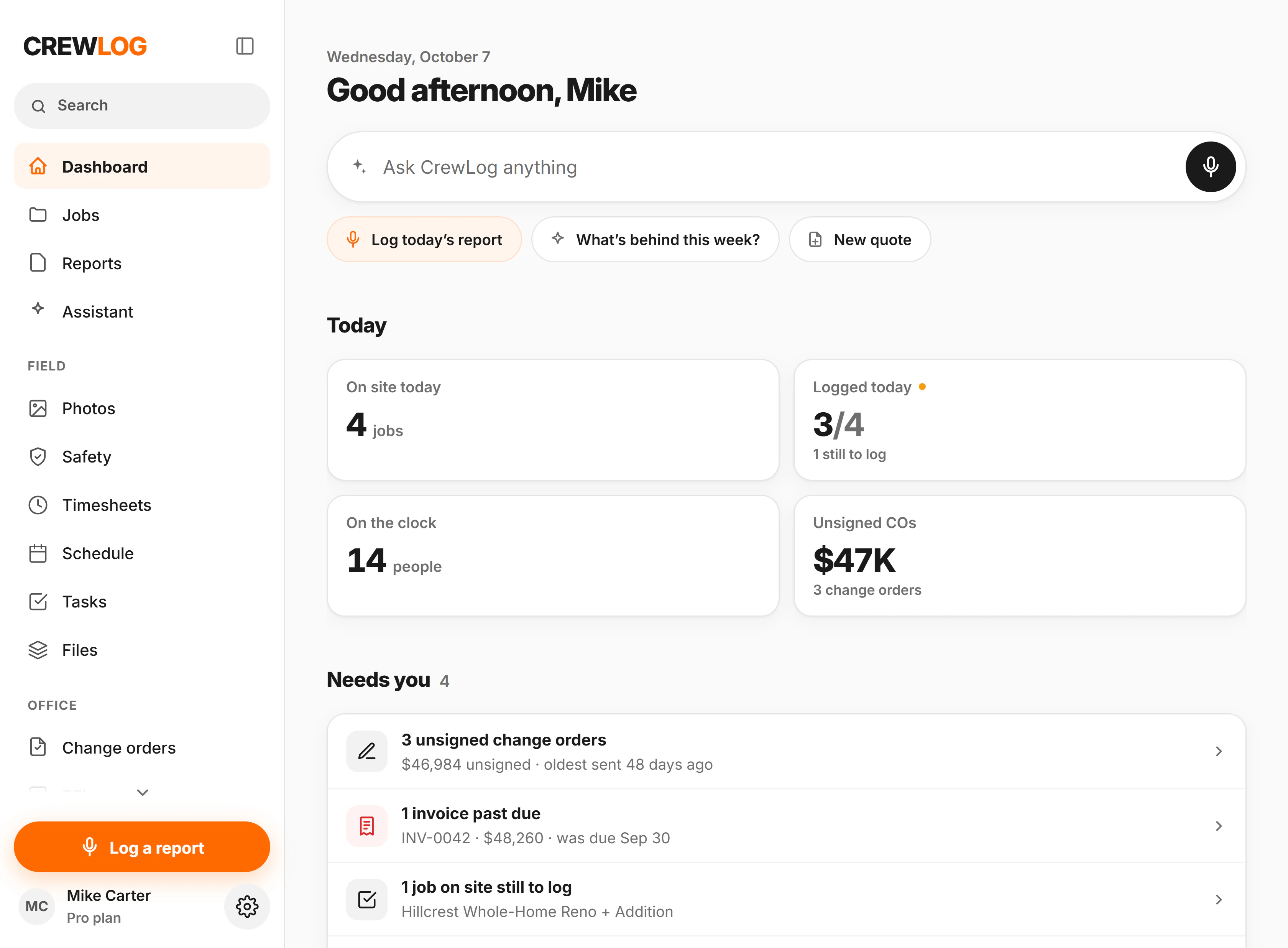
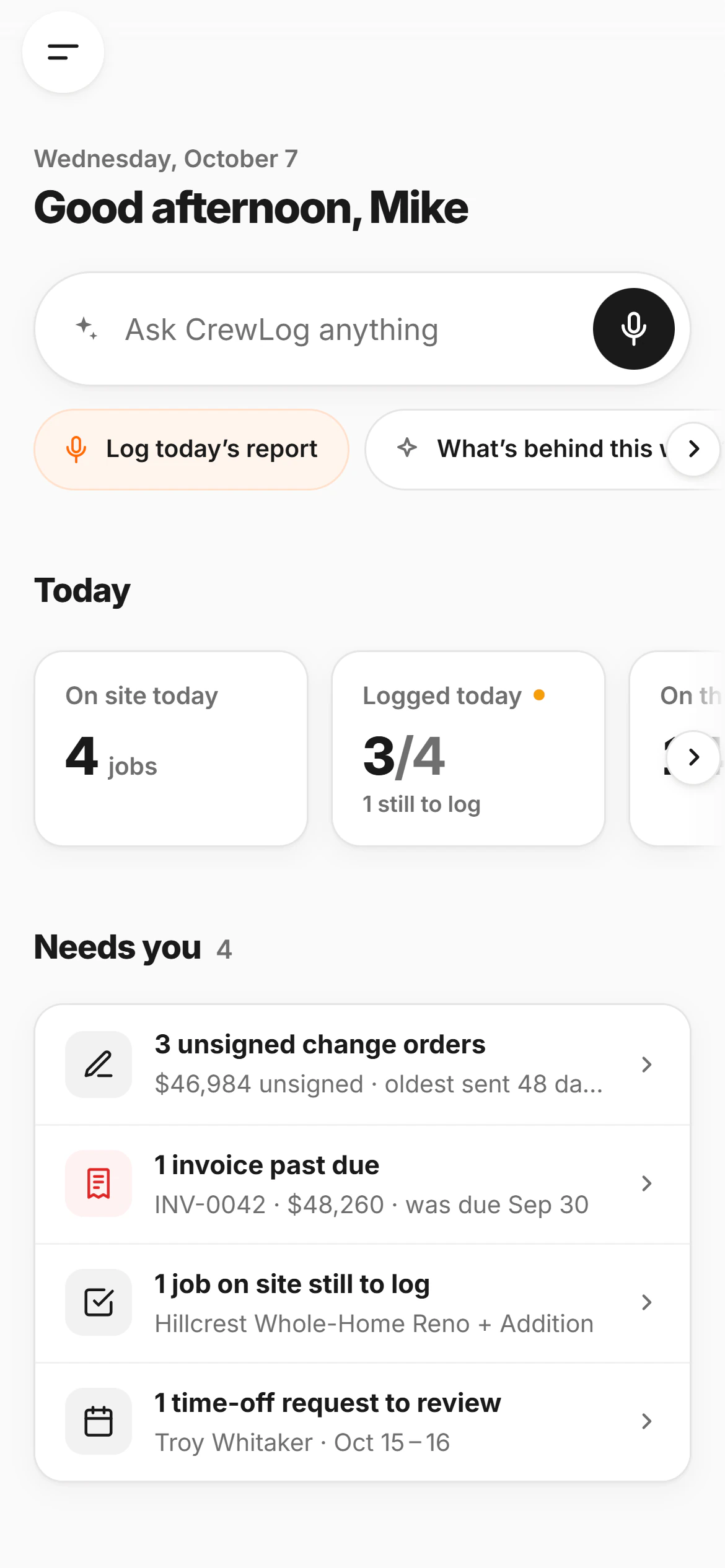
You can’t run a job you can’t see.
When the day isn’t logged and the extras aren’t priced, billing gets questioned and disputes come down to your word.
The day ends, nothing gets logged
Ten hours on site, then the write-up at the kitchen table. It gets done thin, or not at all.
Your crew is working off memory
Three sites, three versions of the day, and nobody sure what got finished.
Money nobody wrote down
The extra closet, the panel move, the Saturday hours. Nobody priced it, so nobody billed it.
A dispute hits and you’ve got nothing
A backcharge, a “you were behind”, and your only proof is what someone remembers.
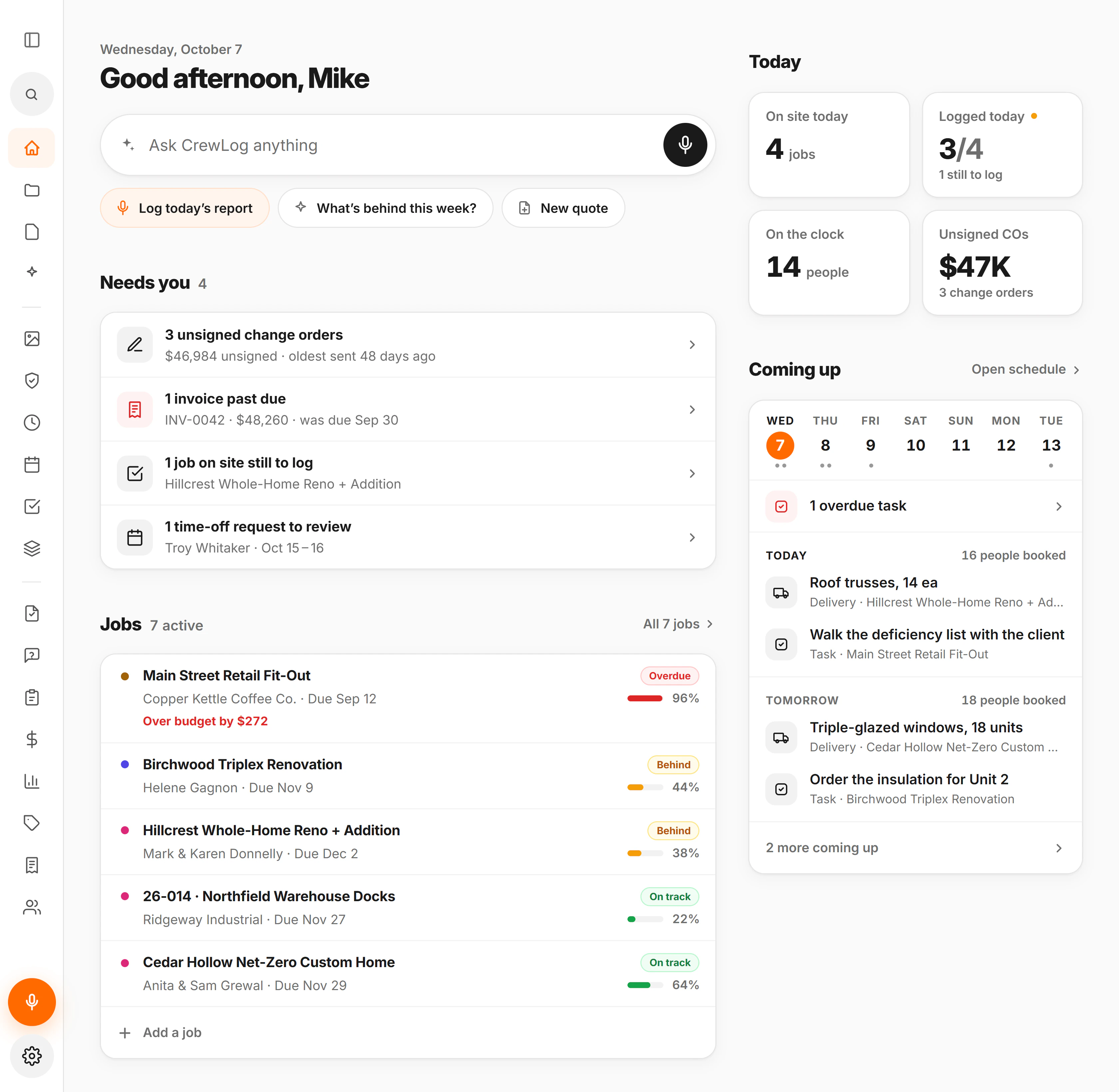
Nothing slips past you.
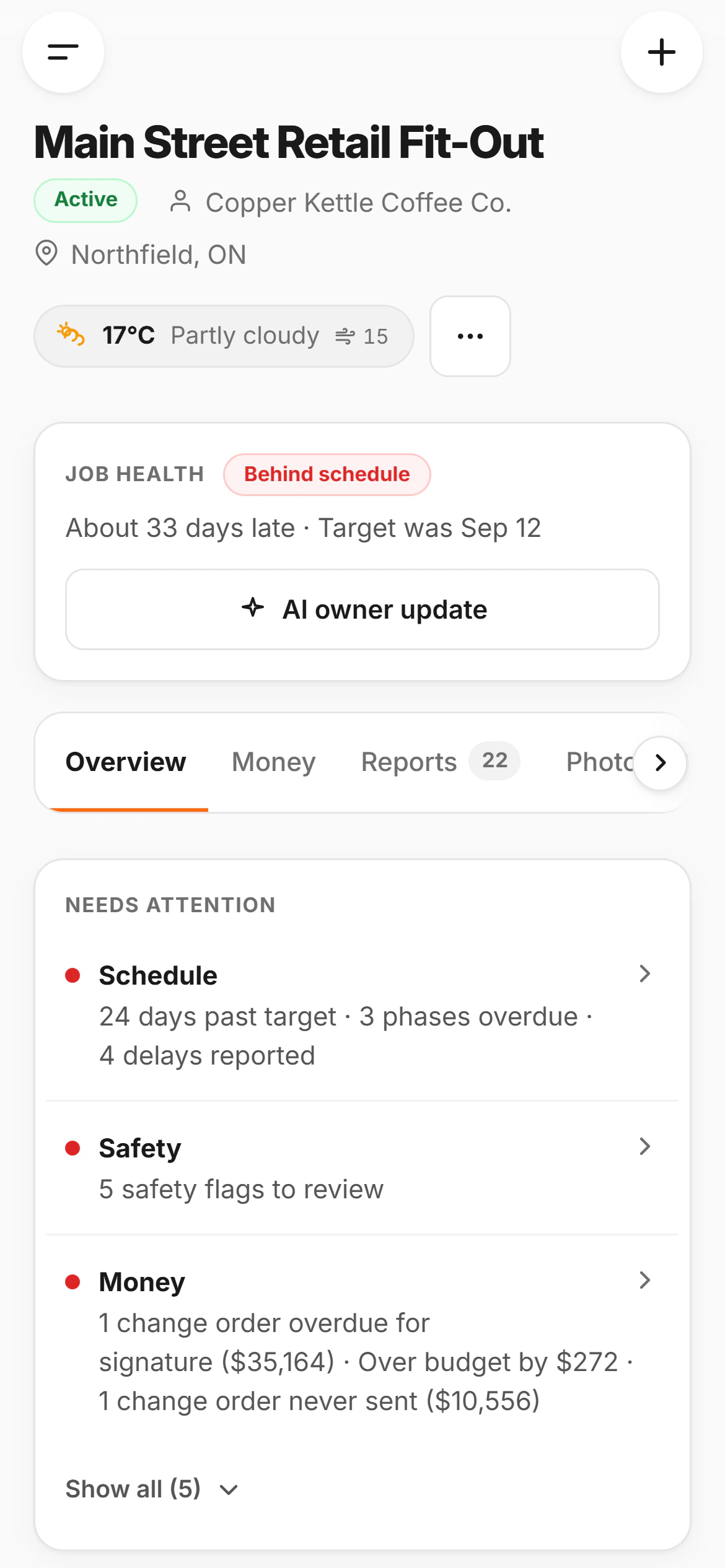
Where every job stands, before the client calls
Behind schedule, five safety flags, a change order never sent: the job tells you first.
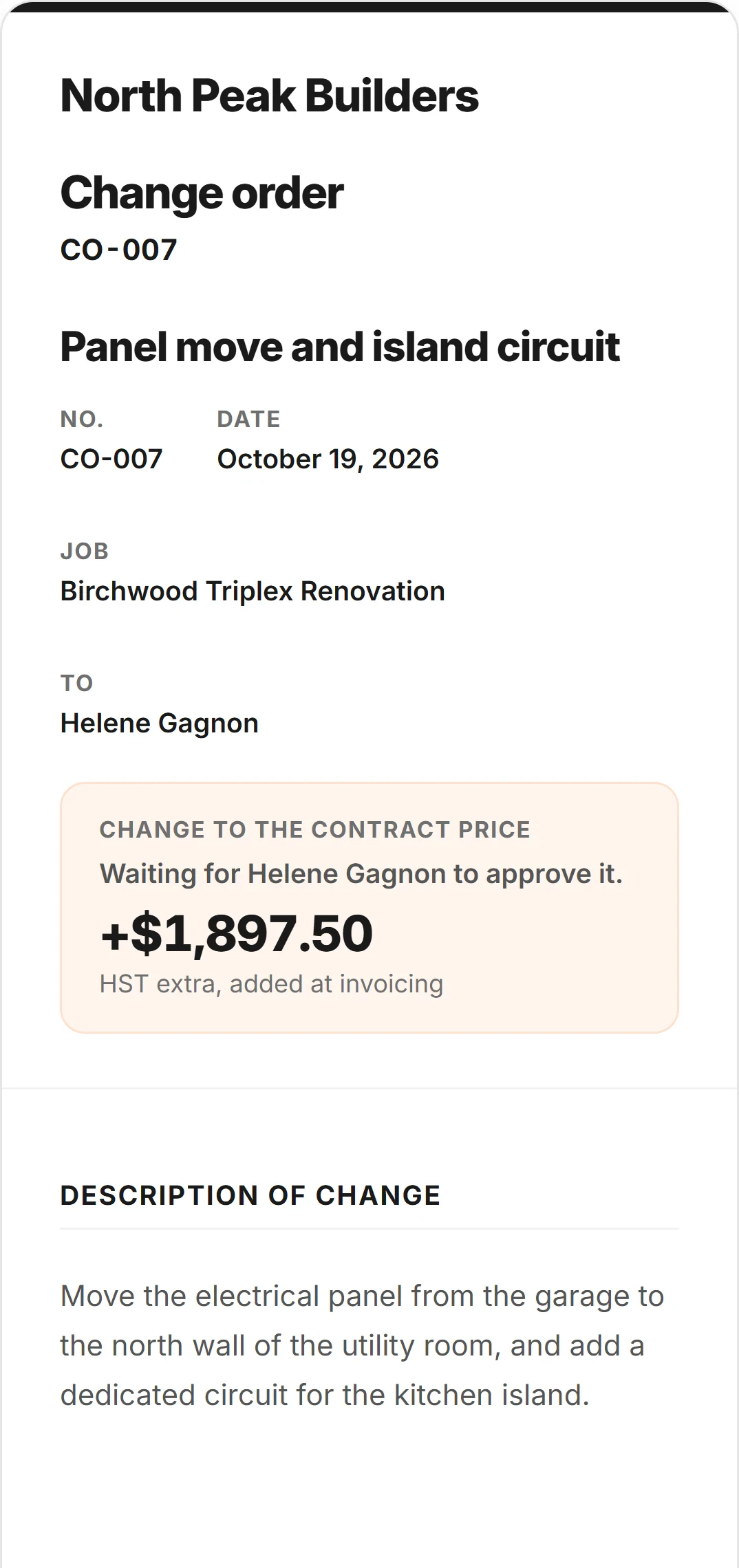
+$1,897.50, out for the client’s signature
The change order priced on site and sent to the client’s phone. They sign with no login.
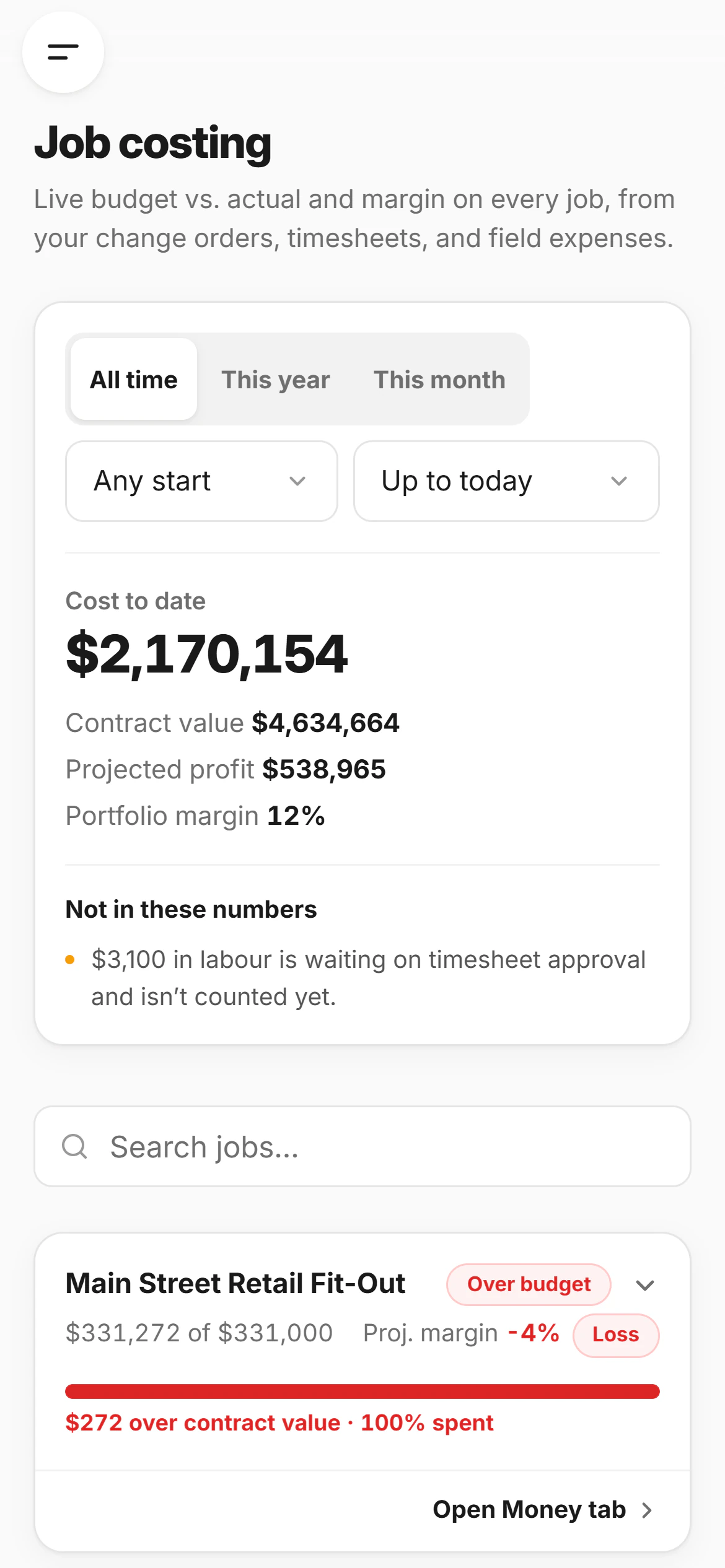
12% margin, as of today
Hours, receipts and change orders land on the cost the day they happen.
The whole job,
in one hand.
Clock in, log the day, price the extra and send it, all from the site. No bars in the basement? It waits on the phone.
One tap in, one tap out
The crew clocks in on their own phone, and you see who’s on which site.
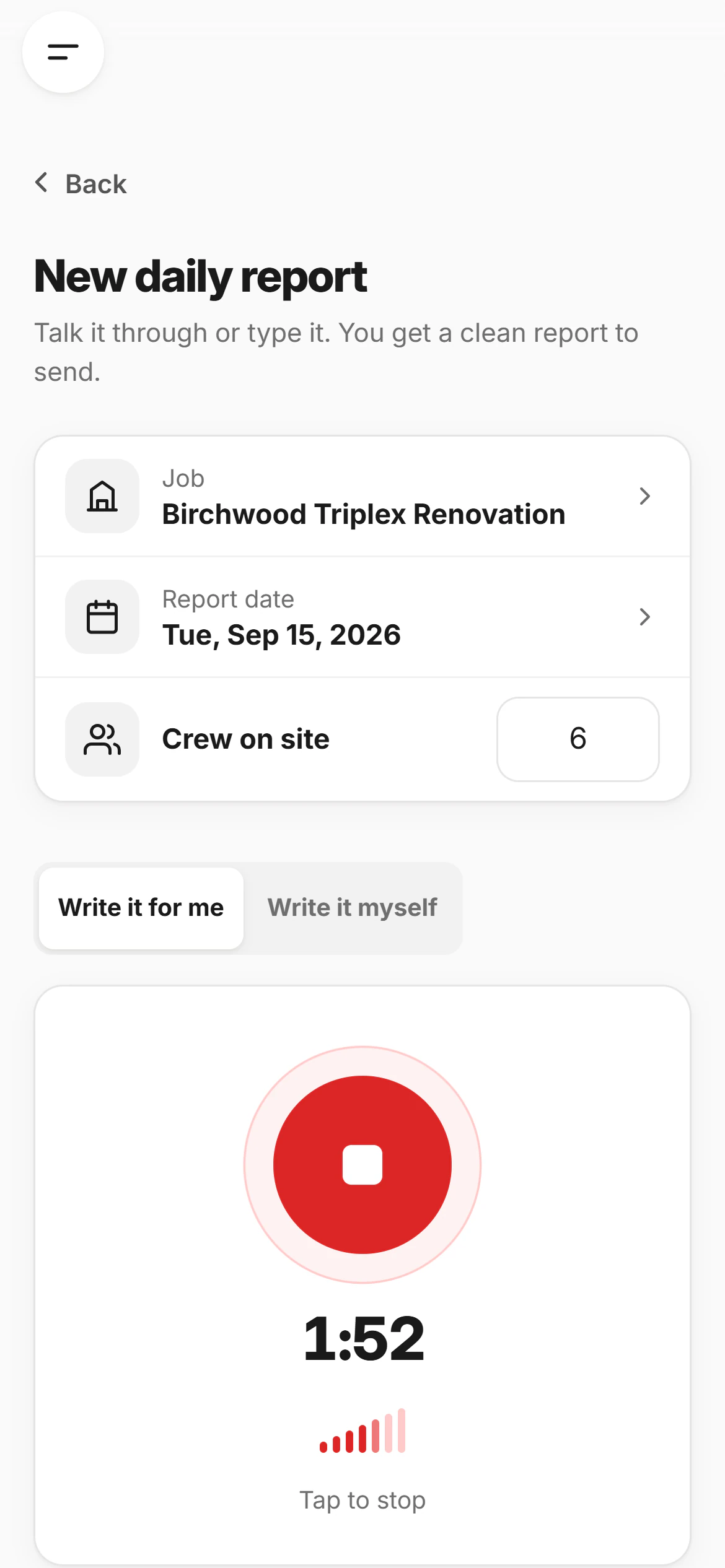
Two minutes, out loud
Talk while you walk the site. It’s written and filed before you reach the truck.
The camera is the record
Every photo lands on the right job and day, captioned and searchable.
Same account, same jobs, on every device.
The straight goods.
No contract, no sales call, and your data leaves with you whenever you do.
It stops where the job stops
It quotes the job, logs it, bills it and tells you what it cost. It won’t keep your books or try to be your whole office.
Read the founder’s storyAsk, and the founder answers
A reply from the person who built it, during business hours. No ticket queue, no script.
Get in touchYour data, your call
Never sold, never used for advertising, never used by us to train anything. Export a copy any time.
How your data is handled- Built in Ontario
- App Store · Google Play
- 7 days free on Pro
- PDF and CSV exports