Security
Where your jobs live, and who sees them.
What protects your company’s records in CrewLog,
from the first sign-in to the day you take them with you.
Where your jobs live, in three facts
Hosted in Canada
Our main database, where your jobs, records and account live, is hosted in Canada.
Encrypted, sent or stored
Everything is encrypted on its way to us, and encrypted where it’s stored.
Walled off from other companies
The contractor down the road who also uses CrewLog can’t see your jobs. That wall is built in, not left to a setting.
Some providers, like our AI and email services, process data in the U.S. and elsewhere. See where your data goes.
You decide who sees what.
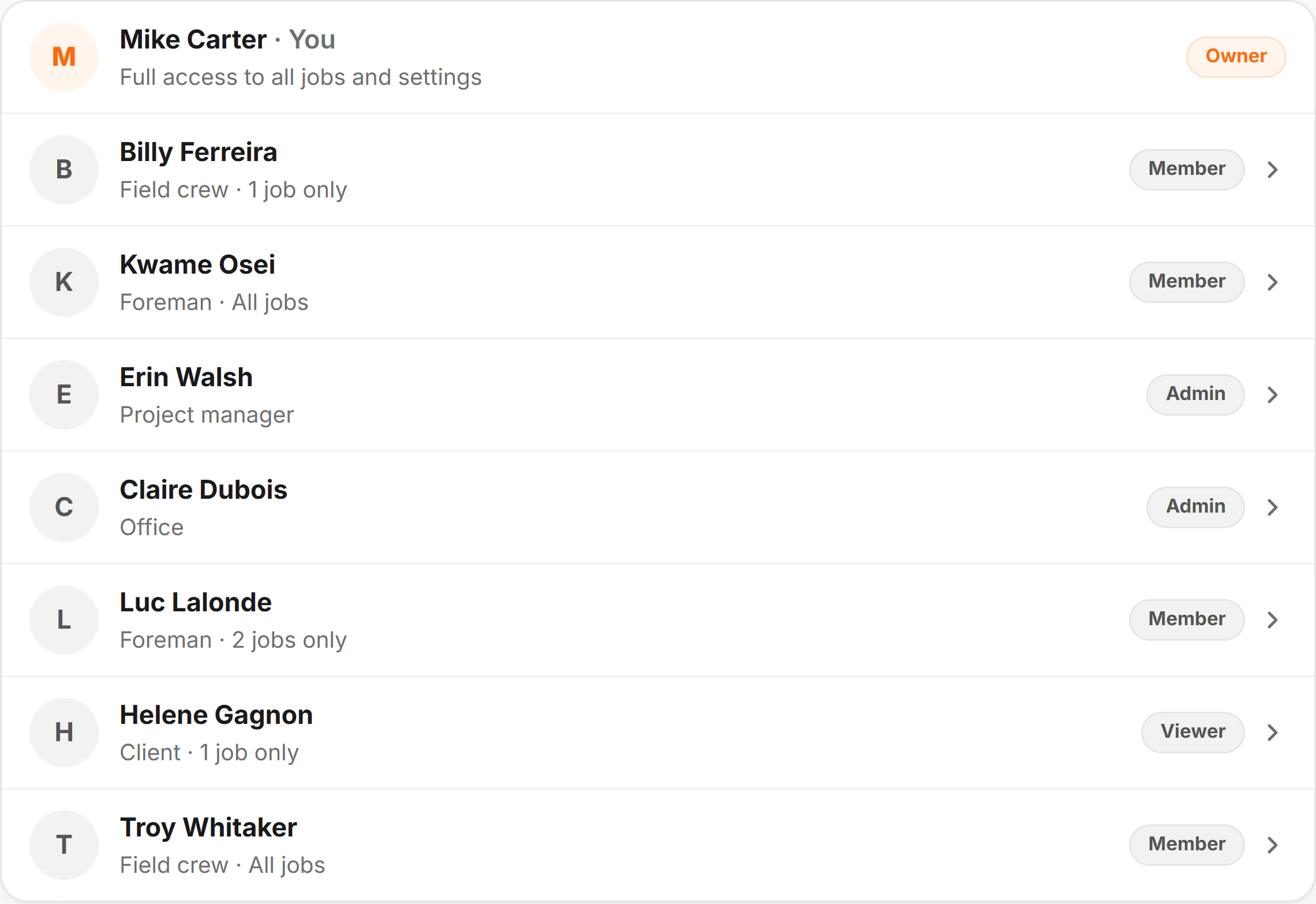
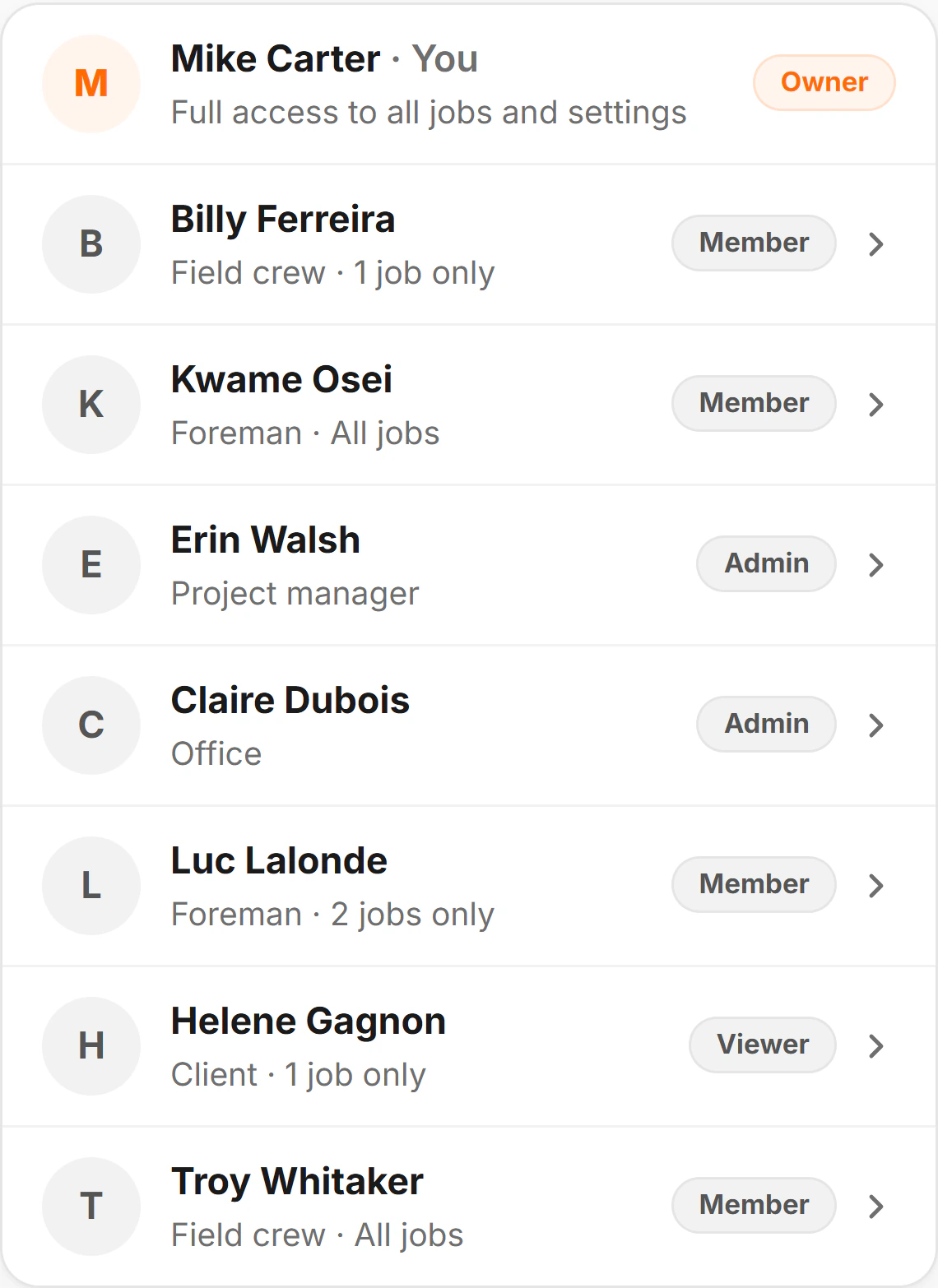
Everyone you invite starts from one of five ready-made setups. Then fine-tune any area, person by person.
Job by job
Keep a crew member or a client to their own jobs. Other jobs don’t show up for them at all.
Pay stays with the owner
Each person’s pay rate and cost show only to the owner and whoever they pick. Approving hours never shows pay.
Hidden means hidden
A hidden area isn’t on their menu, and a link or a search won’t open it. Every request is checked on our side.
Clients see the job, not your books
A client’s login never shows costs, invoices or the incident register, and it can’t export or download files.
No one hands out more than they have
You can only give access you have yourself, and only the owner can make someone an admin.
Links for people outside
An architect, a sub or a client opens one record from a link, with no login. Anyone holding the link can open it.
How people sign in.
A second step for anyone who wants one, and a tablet that signs itself out.
A record of who did what.
Who added it, who changed it, and who signed it.
Her phone · , 3:05 PM

Names on the work
Reports, photos, files, safety records, RFIs, change orders and minutes carry the name of whoever added them.
Corrected hours are logged
Fix a clocked shift and the log keeps who did it, when, and the shift before and after. Nobody on the account can rewrite it.
A signature keeps what was signed
A change order’s signature is kept with its time, where it came from, and a copy of the words and price that were signed.
No signing a changed page
If the words or the price change after your client opened it, their signature is refused until they review it again.
When there’s no signal.
The app keeps working on site, and what it keeps on a phone stays with the person signed in.
What a phone keeps
Pages kept for one person
Pages kept for offline use belong to whoever is signed in, and signing out deletes them.
What it never keeps
No pay or prices on the phone
A page with pay, prices or costs on it is never kept on the device, and neither are Settings or the Assistant.
When signal comes back
Checked when it lands
Work done with no signal waits on the phone, then it’s checked against that person’s access when it reaches us.
When access changes
Access changes reach the phone
Change someone’s access, and their phone drops every page it kept the next time they open CrewLog with signal.
Where your data goes.
Your records live in our main database in Canada. A few providers each do one job for us, with only what that job needs.
Kept in Canada
Your jobs, records and account
Our main database, hosted in Canada.
Where: Canada
Our providers, each for one job
The app and this website
Our hosting provider serves them, keeps server logs, and counts page views without cookies.
Where: U.S. and elsewhere
AI features
Our AI providers transcribe, draft, translate and answer questions. Their terms say they don’t train on it.
Where: U.S. and elsewhere
Email
Our email provider sends your reports, documents and invitations.
Where: U.S. and elsewhere
Payments
Our payment processor takes your card on its own systems. We never see the number.
Where: U.S. and elsewhere
Phone notifications
Only if you turn them on. Your phone’s own notification service delivers them.
Where: U.S. and elsewhere
Maps and weather
We send these services only an address, a job’s place on the map, or a square of the map.
Where: U.S. and elsewhere
Only if you link it
Your own mailbox
CrewLog sends only the emails you choose to send. We never read, search or keep your mail.
Where: Your email provider
Not a sale
Sending data to a provider so it can do a job for us is not a sale. Those we work with under contract are bound to protect it.
By name, if you ask
Business customers can ask for our providers by name. We tell you before a new kind of provider handles your content.
The privacy policy says what goes where, in full.
Your data is yours.
You own what you put in, and it comes out whenever you want it.
Any job, as one folder
Any job comes out as one zipped folder, on every plan, and it never holds more than the person exporting can see.
The whole account, free
Ask, and we send a copy of the whole account, free, on any plan, and for at least 30 days after an account locks.
Never sold
We use your records only to run CrewLog for you, and never sell them or use them for advertising.
When we look
We look at your records only when you ask us to help, to investigate abuse or a security problem, or when the law requires it.
Backed up, for our own recovery
We keep encrypted backups on a rolling cycle. We don’t promise to restore any one record, so your export is your own copy.
Deleting is final
A deleted account can’t be brought back, from a backup or any other way. The privacy policy lists what’s kept after.
What the AI does with it.
How your records are used when the AI helps, and where they never go.
The assistant · , Today
Never used for training
“We do not use your content to train any AI model.” Our AI providers’ terms say they don’t train on it either.
Kept for a limited time
Our AI providers keep what we send them for a limited time, generally up to 30 days, to catch misuse of their service.
Your photos stay out of it
Site photos and videos never go to an AI provider. Only receipts you scan and files you attach to a question do.
It reads what you can read
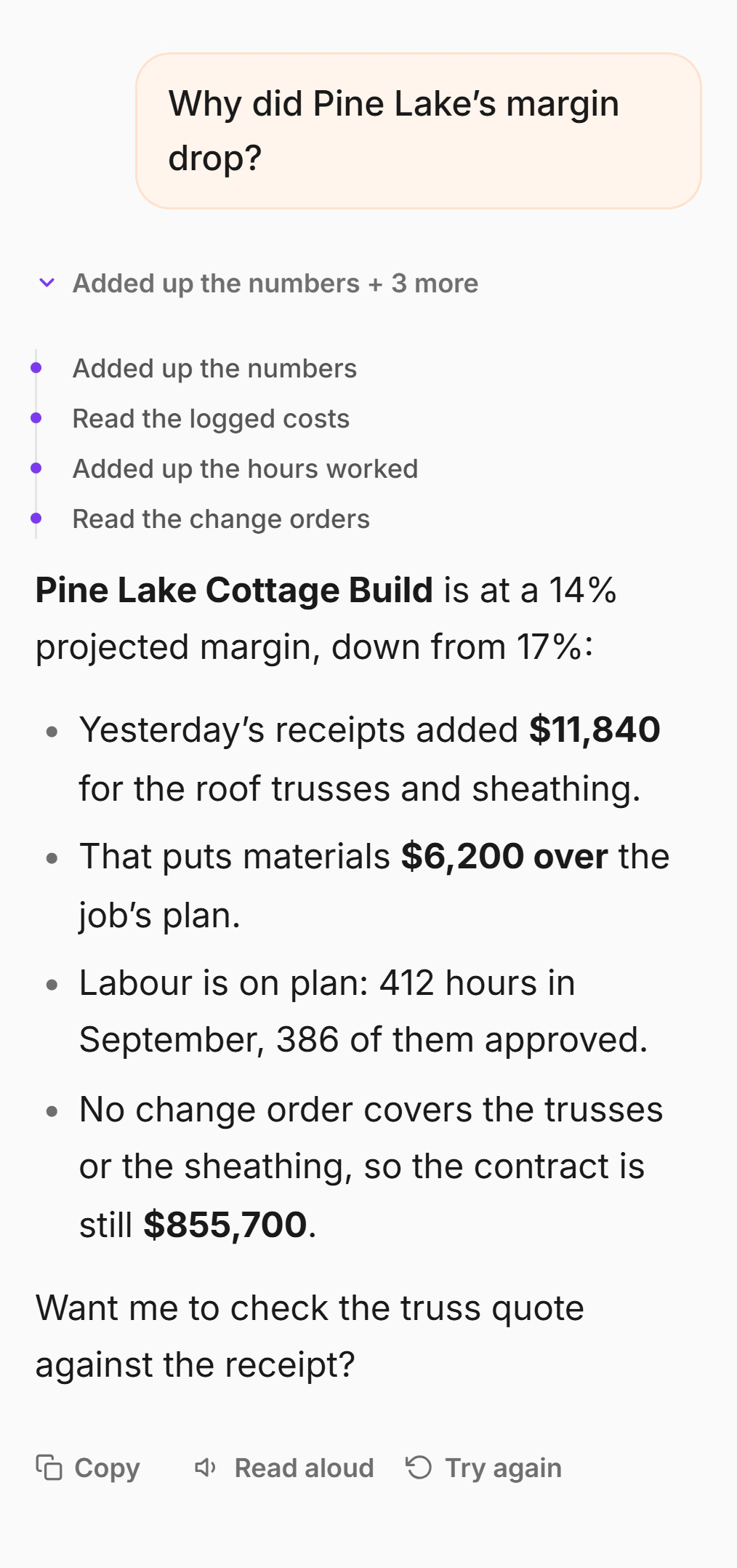
The Assistant looks up only what the person asking is allowed to see, and it never sends anyone’s pay rate.
Nothing saved without your tap
Anything it drafts waits for you to tap Confirm, and your access is checked again when you do.
Found a problem? Tell us.
Tell us what you found and how to see it again. Someone who knows the product replies in business hours, Eastern time.
The full detail is in our Privacy Policy and Terms of Service, each with a plain-English summary at the top.
If your information is involved
If we learn of a breach involving information you trusted us with, we tell you without undue delay, with what we know at the time.
In writing, for your files
Ask, and we send our commitments on your crew’s and clients’ information as a signed document.
What we don’t claim
- We hold no security certification, and we haven’t completed a SOC 2 or ISO audit.
- We don’t offer an uptime guarantee.
- No way of sending or storing data is completely secure, and we don’t claim ours is.
Put your next job on a record you control.
Decide who sees what as you invite your crew, and take any job with you as one folder, whenever you want.
7 days free on Pro · No card to start · Nothing to cancel