What’s new in CrewLog.
What we’ve added lately, newest first. All of it is live today, on every plan unless noted.
October 2026
16 updates
The Schedule works like a desk calendar
Month first, then Week by day or by person, and Day. Drag a crew’s block to move them all.
On Crew and Pro.
The Assistant makes a job from a won quote
Attach the quote as a PDF or a document. Nothing is made until you confirm.
What the crew types, in your language
Tasks, notes, minutes and RFIs now show in each reader’s language: English, French or Spanish.
A submittal log on every job
Packages by spec section, stamped from a link with no login. Revise, resubmit and print the log.
On Crew and Pro.
The architect · , Oct 27
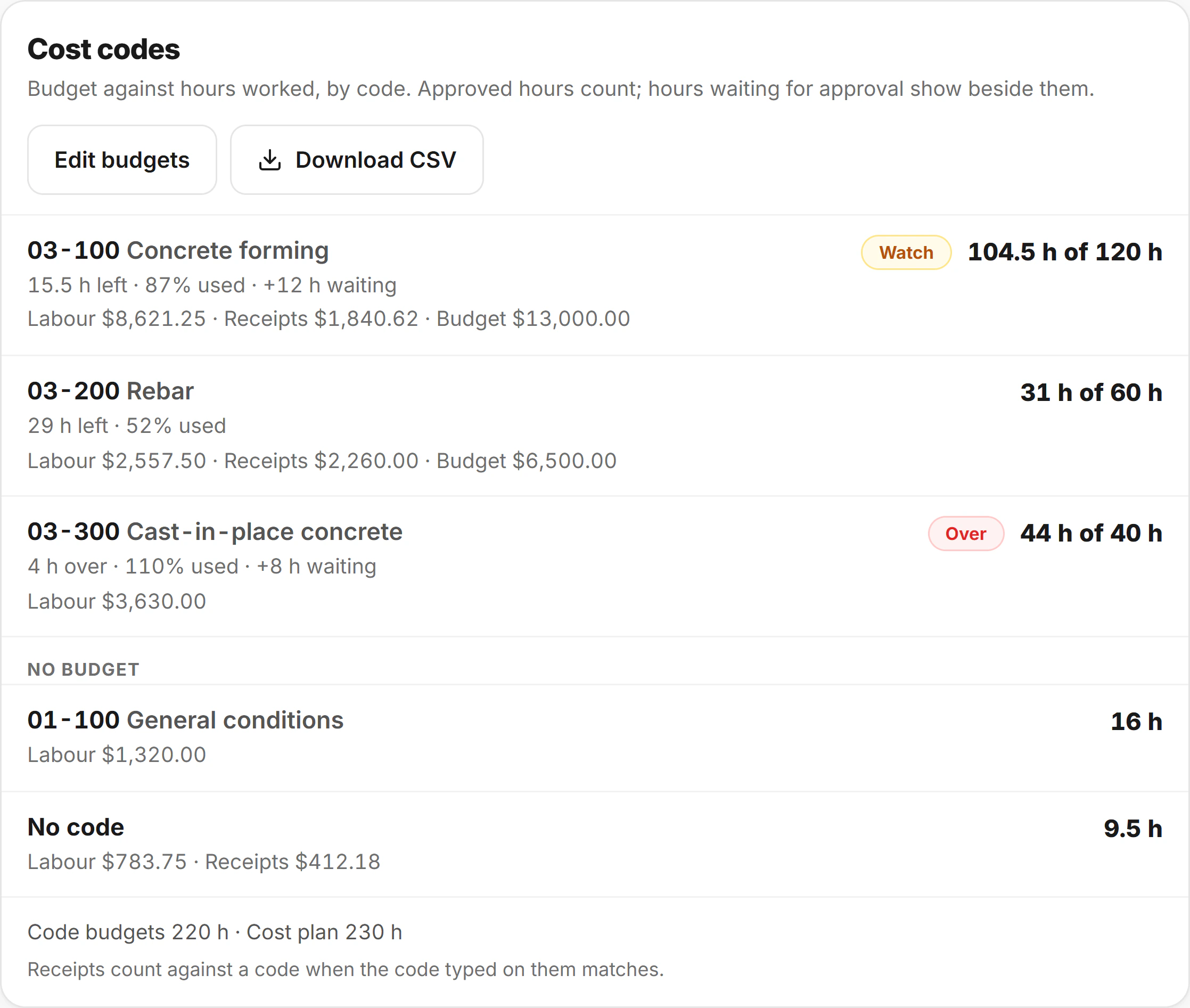
Cost codes on the clock
The crew picks a code as they clock in. Each code’s hours and cost run against its own budget.
On Pro.
Bring your jobs and contacts over
From a spreadsheet or your old software’s export, checked before it’s saved. Undo within 24 hours.
Edit reports and invoices like a page
Quotes and change orders too. Add tables and photos, move sections, and save it as your style.
A new version when the client wants it cheaper
Make a new version of a change order, and the first is withdrawn. Its link says what replaced it.
On Crew and Pro.
The app works with no signal
The crew’s pages open with no bars. What they tick, sign or report sends when signal is back.
Send from your own email address
Link your mailbox and client emails go out from your address, with a copy in your Sent folder.
The Assistant checks the web
It searches the web and opens links, so code editions, permit rules and prices are checked.
A calmer app, with dark mode
A new home screen, and Light, Dark or Match device in Settings. What clients get stays white.
Meeting minutes from a recording
Record the meeting or paste your notes and AI drafts the minutes. You approve every change.
On Crew and Pro.
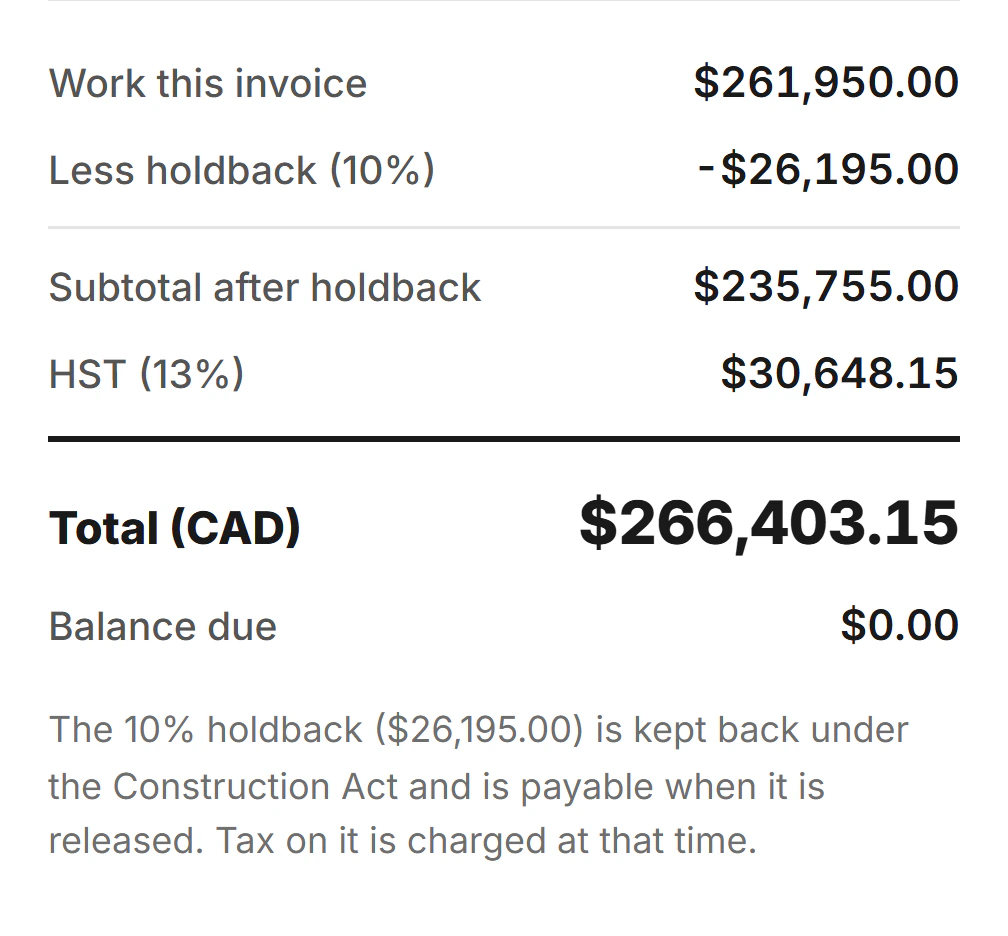
Progress billing with holdback
Bill against a schedule of values. Holdback comes off before tax, and deposits off later invoices.
Price the extras from their hours
The crew clocks hours onto an extra. One tap fills in a change order at your cost plus markup.
On Crew and Pro.
Who reports to whom, and who sees pay
Hours go up the chain to whoever approves them, and only you and the people you pick see pay.
On Crew and Pro.

September 2026
5 updates
A Today widget for your phone
Your home screen shows the jobs still to log today, with a button that opens a new report.
Labour at what it really costs
Vacation, holidays and employer costs go on top of each wage in job costing. Pay doesn’t change.
On Crew and Pro.
Quotes the client accepts on their phone
Sent as a link with a PDF and accepted with a typed name. Winning it opens the job.
Invoices from the job’s hours and costs
One Labour line that names nobody, holdback if you need it, and a link with a PDF for the client.
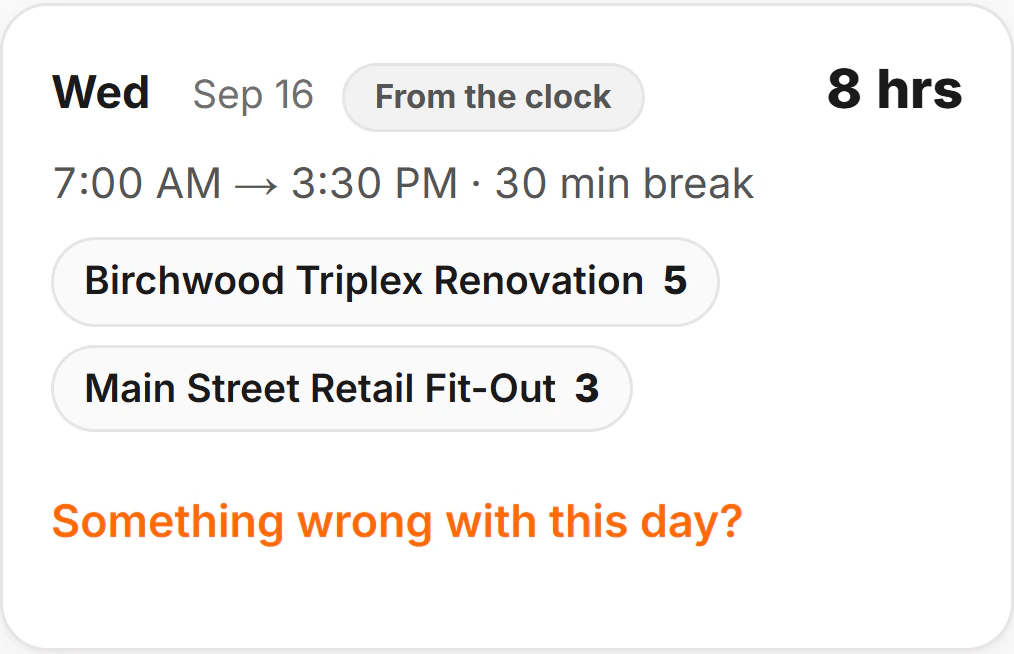
Clock in with one tap
The crew clocks in and out on their phones, even with no signal, and the timesheet fills itself in.
On Crew and Pro.
The crew · , 7:00 AM
Try all of it on your next job.
7 days free on Pro · No card to start · Nothing to cancel